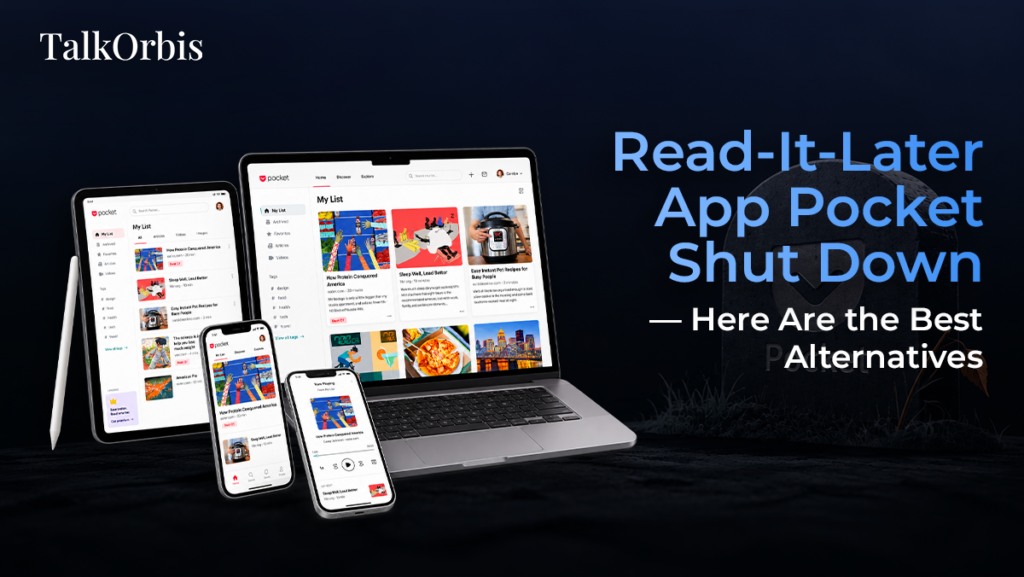
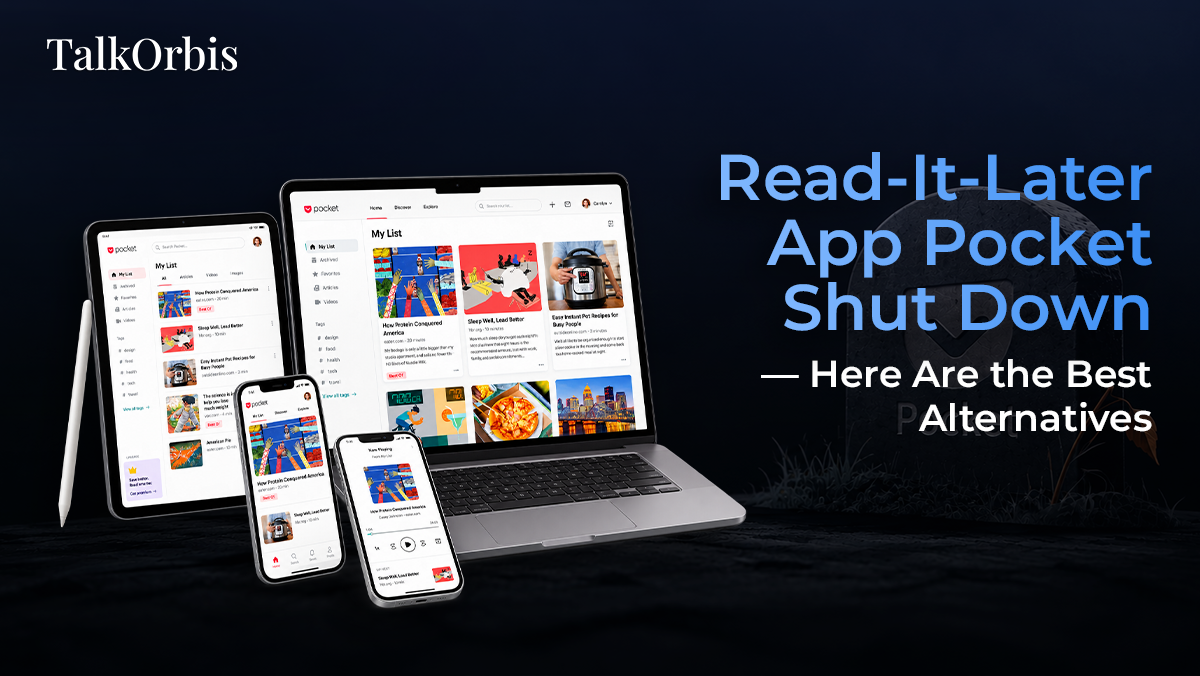
Read-It-Later App Pocket Shut Down — Here Are the Best Alternatives
For years, Pocket was one of the most popular read-it-later apps, helping users save articles, videos, and web pages to revisit later. Its simple concept made it a go-to tool for readers, researchers, students, marketers, and professionals who wanted to build a personal library of useful online content.
However, Mozilla has announced that Pocket is shutting down, leaving many users looking for reliable alternatives. If you have used Pocket to save articles or organize content for later, now is a good time to explore other tools that offer similar or even more advanced features.
In this article, we explore the best Pocket alternatives and what makes each one worth considering.
Why Is Pocket Shutting Down?
Pocket became part of Mozilla’s product portfolio after Mozilla acquired it in 2017. Over the years, the service developed features such as article recommendations, offline reading, tagging, search, and synchronization across devices.
Despite its popularity, Mozilla decided to discontinue Pocket as part of a broader effort to focus its resources on products and technologies that align more closely with its current priorities.
The shutdown means Pocket users need to consider how they will save, organize, export, and read their bookmarked content going forward.
Before switching, users should check Pocket’s official shutdown guidance and export their saved content while the export functionality remains available.
What Should You Look for in a Pocket Alternative?
The best replacement depends on how you used Pocket. Ideally, a read-it-later service should offer:
- Easy saving from browsers and mobile devices
- Offline reading
- Clean, distraction-free reading
- Search and organization
- Tags, folders, or collections
- Browser extensions
- Mobile applications
- Cross-device synchronization
- Import or export capabilities
- Support for newsletters, PDFs, or other content where applicable
With those factors in mind, here are some of the strongest alternatives.
1. Raindrop.io — Best for Bookmark Organization
Raindrop.io is one of the strongest choices for users who want more than a simple read-it-later service.
It allows you to save web pages, articles, images, videos, PDFs, and other resources and organize them into collections. Tags, search, and filtering make it easier to manage a large personal library.
Key Features
- Bookmark collections
- Tags and folders
- Full-text search on supported plans
- Browser extensions
- Mobile applications
- Web interface
- Cloud synchronization
- Sharing and collaboration features
Raindrop.io is particularly useful for researchers, content creators, marketers, and professionals who save large numbers of resources.
Best for: People who want powerful bookmark and content organization.
2. Instapaper — Best for Simple Reading
If what you loved about Pocket was its clean and distraction-free reading experience, Instapaper is an excellent alternative.
Instapaper focuses heavily on reading rather than extensive bookmark management. You can save articles and return to them later through a simple interface designed to make long-form content comfortable to read.
Key Features
- Clean reading interface
- Offline reading
- Browser extensions
- Mobile apps
- Highlights and notes
- Folders for organization
- Text-to-speech features in supported versions
Instapaper is a good fit for people who primarily want to save articles and read them later without unnecessary distractions.
Best for: Readers who value simplicity and long-form reading.
3. Omnivore — Best for Knowledge Management
Omnivore has attracted users who want to combine read-it-later functionality with personal knowledge management.
It supports saving articles and other content and provides tools for highlighting, annotating, and organizing information.
This makes it especially useful if you don’t simply want to read saved articles but also want to extract information and build a personal knowledge base.
Key Features
- Save web articles
- Highlighting and annotations
- Tags and organization
- Search
- Newsletter support
- Text-to-speech capabilities
- Open-source roots
Best for: Users who want reading and knowledge management in one workflow.
4. Wallabag — Best Open-Source Alternative
For users who prioritize privacy, control, and open-source software, Wallabag is worth considering.
Wallabag allows you to save web content and read it later without relying entirely on a proprietary ecosystem. It can also be self-hosted, giving technically experienced users greater control over their data.
Key Features
- Open-source
- Self-hosting option
- Offline reading
- Browser extensions
- Mobile applications
- Tagging
- Article extraction
The biggest advantage is control. If you don’t want your reading list locked into a commercial platform, Wallabag offers an appealing alternative.
Best for: Privacy-conscious and technically experienced users.
5. Notion — Best for Custom Organization
Notion isn’t a dedicated read-it-later application, but it can be an effective replacement for Pocket if you want to build a customized content library.
You can create a database for saved articles and add properties such as:
- Topic
- Author
- Source
- Publication date
- Status
- Tags
- Notes
- Priority
You can also connect saved resources with project notes, research documents, and content calendars.
For example, a digital marketer could create separate views for SEO research, competitor analysis, content ideas, and industry news.
Best for: Users who want a customizable research and knowledge-management system.
6. Apple Notes — Best for Apple Users
Apple users may not need a dedicated Pocket replacement for basic saving needs.
With Apple Notes, you can save links, add notes, create folders, and access your content across Apple devices through iCloud.
It doesn’t provide the same specialized reading experience as Pocket, but it is convenient because it is already integrated into the Apple ecosystem.
Best for: Apple users who want a simple, built-in solution.
7. Google Keep — Best for Quick Saves
Google Keep is another lightweight option for users who don’t need advanced article management.
You can save links, add notes, organize them using labels, and access them across devices.
It works particularly well for people who use Google services extensively and want something quick rather than a full-featured read-it-later platform.
Best for: Users who primarily save links and short notes.
Pocket Alternatives at a Glance
| Alternative | Best For | Organization | Offline Reading | Advanced Features |
| Raindrop.io | Bookmark management | Excellent | Yes | Excellent |
| Instapaper | Distraction-free reading | Good | Yes | Good |
| Omnivore | Knowledge management | Excellent | Yes | Excellent |
| Wallabag | Privacy & open source | Good | Yes | Good |
| Notion | Custom databases | Excellent | Limited/varies | Excellent |
| Apple Notes | Apple ecosystem | Good | Yes | Basic |
| Google Keep | Quick saving | Basic | Yes | Basic |
How to Choose the Right Pocket Alternative
There isn’t one perfect replacement for every Pocket user. Your choice should depend on how you used Pocket.
Choose Raindrop.io if:
You have a large collection of bookmarks and want advanced organization, search, folders, and tags.
Choose Instapaper if:
Your priority is reading saved articles in a clean and distraction-free environment.
Choose Omnivore if:
You want to highlight, annotate, and turn saved articles into a personal knowledge base.
Choose Wallabag if:
Privacy, open-source software, and self-hosting are important to you.
Choose Notion if:
You want complete flexibility and want your saved articles to become part of a broader research or productivity system.
Choose Apple Notes or Google Keep if:
You only need a simple place to save links and notes without adding another specialized service.
Don’t Forget to Export Your Pocket Data
If you have used Pocket for years, your saved articles may represent a valuable personal archive.
Before moving to another service, export your Pocket data and check the import options provided by your chosen alternative. Depending on the service, you may be able to import bookmarks or saved links directly.
It’s also worth reviewing your collection before migrating. Years of saved articles can contain outdated links, duplicate resources, or content you no longer need.
A clean migration gives you an opportunity to create a more useful and organized reading library.
The Future of Read-It-Later Apps
Pocket’s shutdown highlights an important issue with cloud-based productivity tools: services can change direction or disappear, even when they have large user communities.
For users, this makes data portability, export options, and ownership increasingly important.
The good news is that the read-it-later category is far from disappearing. Tools such as Raindrop.io, Instapaper, Omnivore, and Wallabag continue to provide different approaches to saving and consuming online content.
Rather than simply looking for a Pocket clone, users can take this opportunity to choose a platform that better matches their current workflow.
Final Thoughts
The end of Pocket may be disappointing for longtime users, but it doesn’t mean you have to abandon your read-it-later workflow.
Raindrop.io is a strong all-around choice for bookmark organization, Instapaper is ideal for focused reading, Omnivore works well for knowledge management, and Wallabag is an excellent option for users who prioritize open-source software and control.
For users who want maximum flexibility, platforms such as Notion can turn saved articles into a much broader research and productivity system.
The most important step is to export your Pocket library before the service fully shuts down, then choose an alternative based on how you actually read, save, and organize information online.
AI Content & Productivity Takeaway
AI is also changing how people manage saved content. Modern knowledge-management tools increasingly make it easier to summarize articles, extract key points, search across personal libraries, and connect information from different sources.
For professionals dealing with large volumes of online information, the future of “read it later” may be less about simply bookmarking an article and more about turning saved information into searchable, actionable knowledge.
Trending News










Trending News
Related Popular News
-
 By Prerna Saini | October 09, 2026
Boston Dynamics Appoints Rohit Prasad as CEO as AI and Robotics Converge
Read More